STEP 2: Install Zen Studio
Zen Studio for Windows provides multiple levels of configuration for the Cronus Zen™, including exclusive access to thousands of free scripts with a fully featured code compiler, easy to use GamePacks, configuration options for your favorite supported controller, an advanced mouse & keyboard system, and tools for device development and maintenance.
Step-by-Step Guide
Zen Studio requires that you are using a Windows® 10/11 PC with a good internet connection. The latest version is 1.6.1 Build 82.
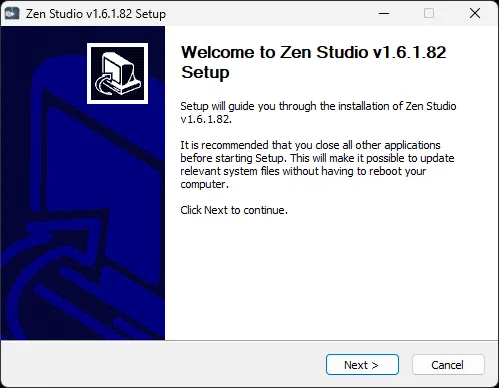
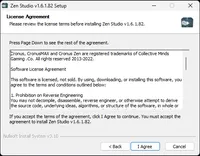
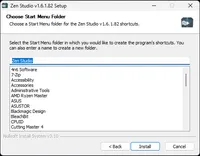
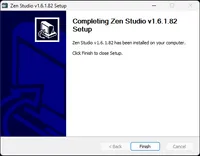
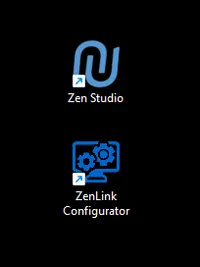
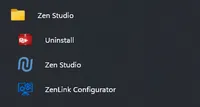
Open the downloaded file ZenStudio_Setup_v1.6.1_Build_82.exe and run the installer. Both Zen Studio and Zen LINK™ Configurator shortcuts will be copied to your Windows® Start Menu and desktop (see screenshots below).
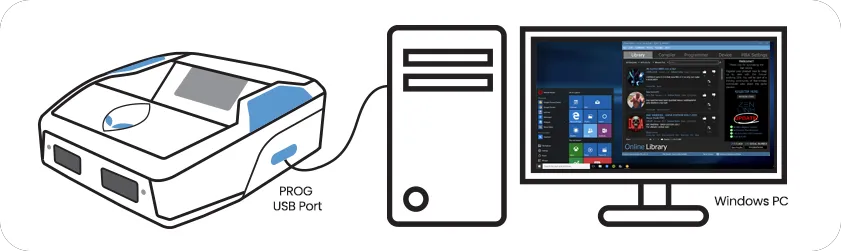
Connect Cronus Zen™ to a Windows® PC: PROG USB (not the CONSOLE/PC USB Port used for upgrading the firmware).
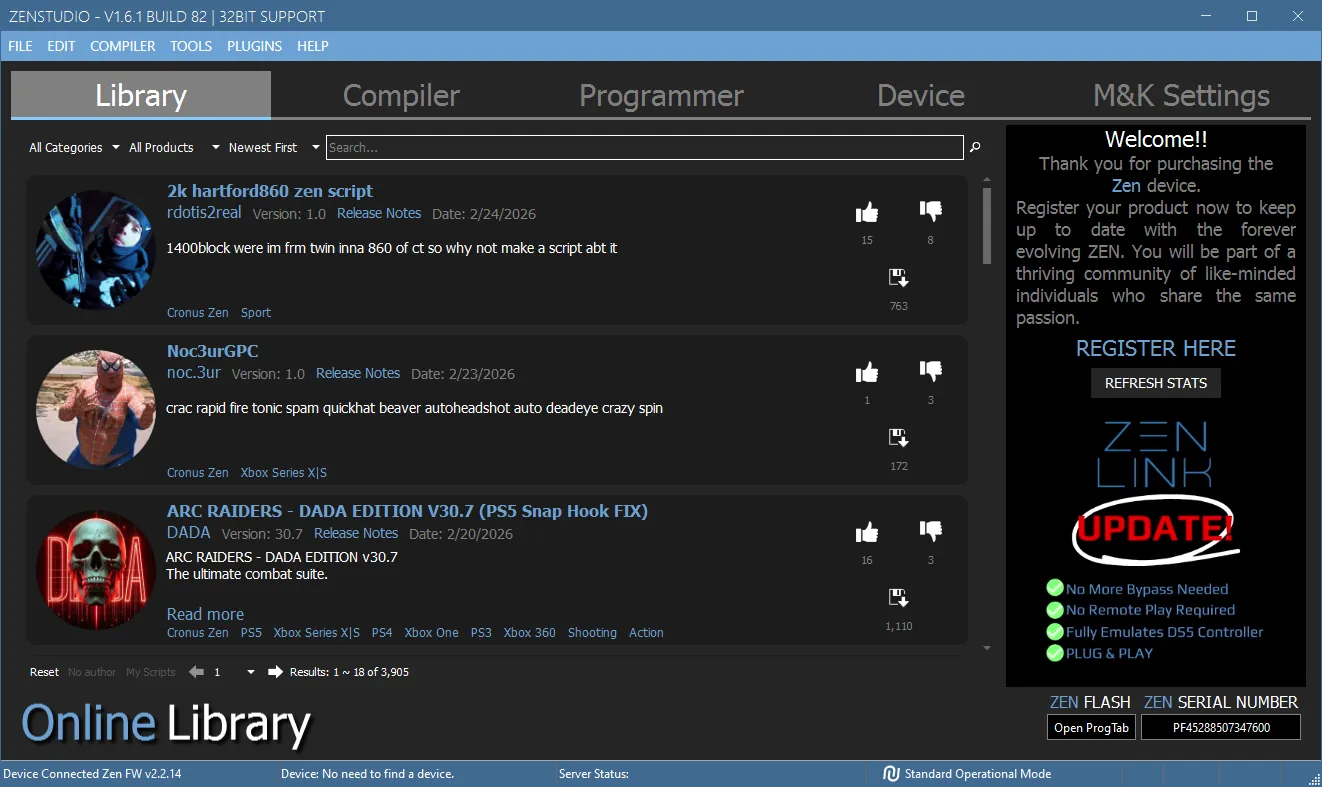
Open Zen Studio, and if your Cronus Zen™ was correctly updated to the latest 2.2.14 firmware, the Library Panel should display the latest free scripts by members of the Cronus Community.
Note: If you see any firmware compatibility errors, go back to STEP 1: Update Firmware and run the update again.
You are now ready for STEP 3: Register Your Zen.
Troubleshooting
These are the most common problems & solutions when setting up Zen Studio.
Device Not Connected
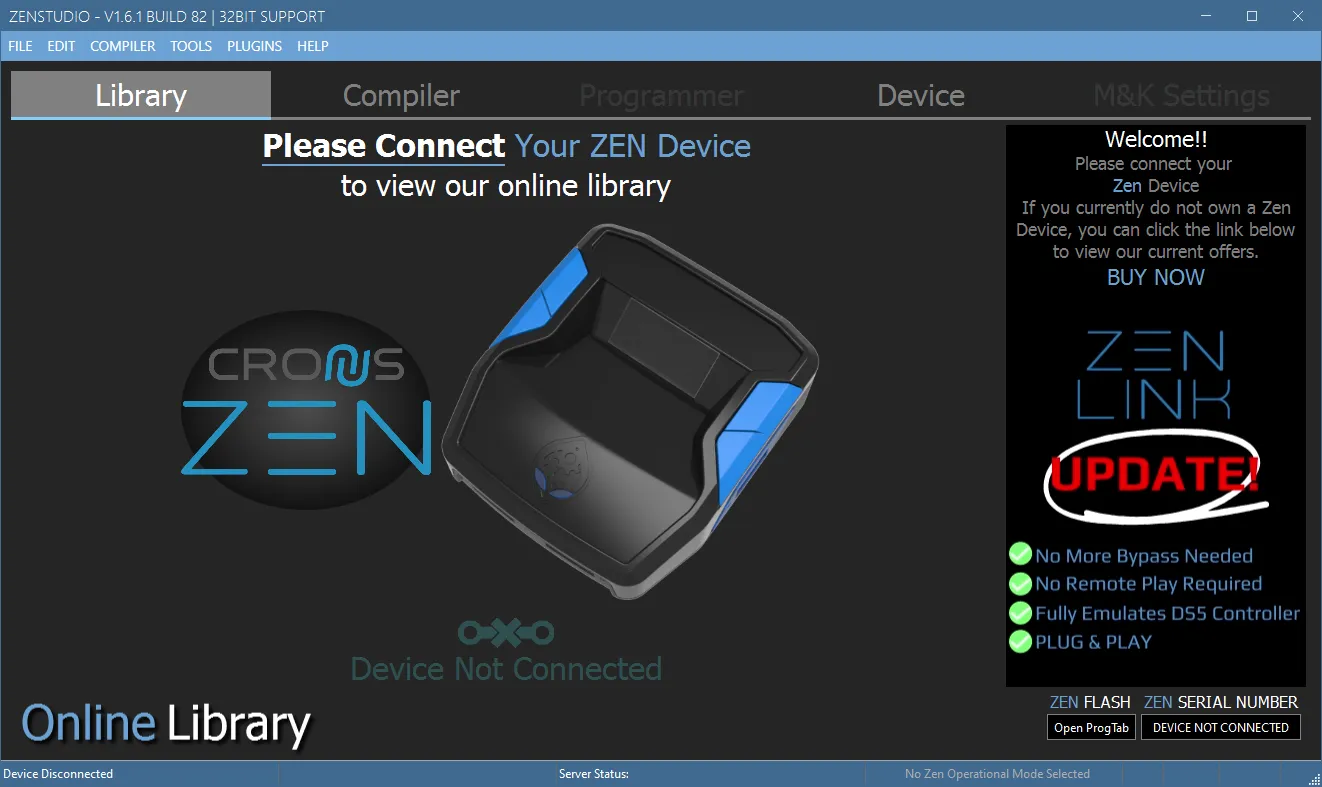
If Zen Studio says Device Not Connected or some other error, this is usually because of a poor connection or faulty USB cable. If you are sure the USB cable is good, try Device Panel > Find Device 🔍 (see the Zen Studio Errors guide for more troubleshooting tips).
Reset Zen Studio
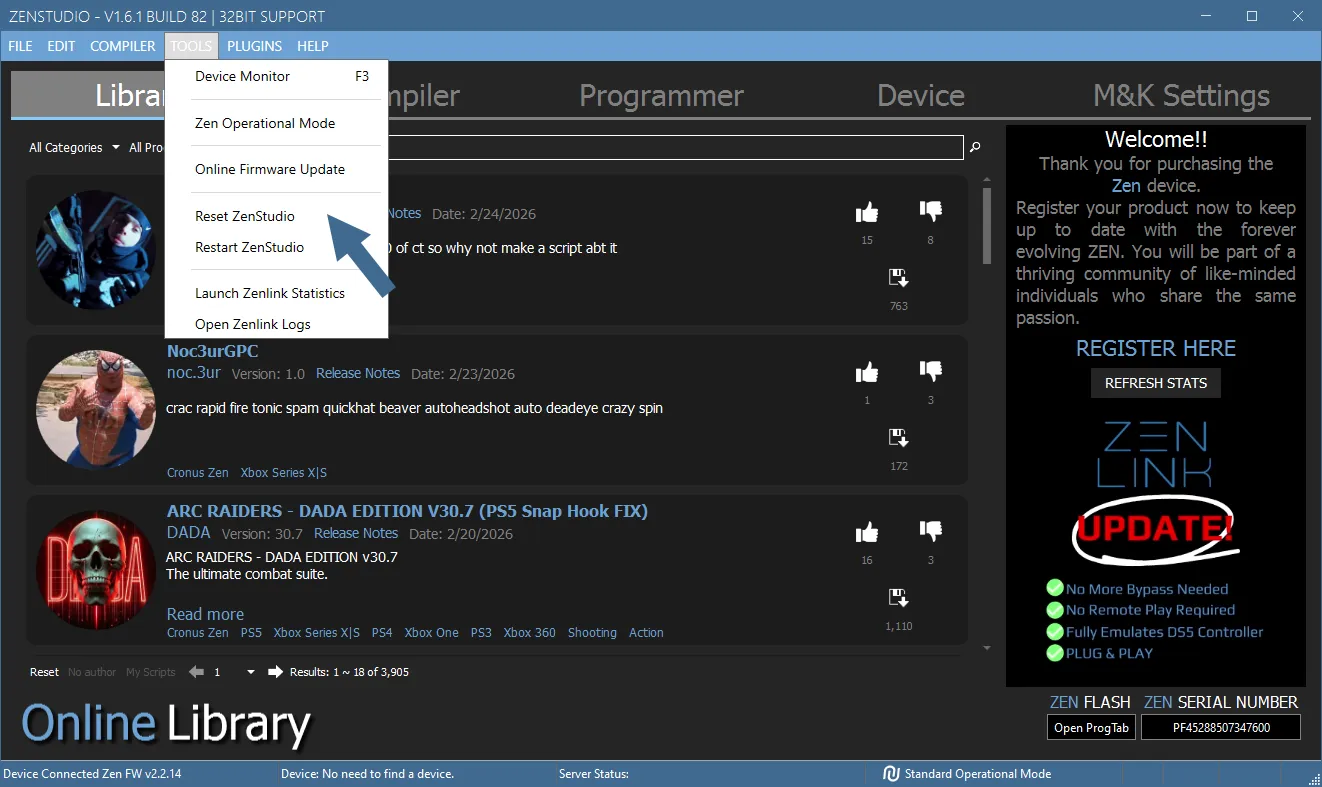
If you were already using an older version of Zen Studio, we recommend running Tools > Reset Zen Studio to avoid any glitches or compatibility issues. You will need to accept the license terms before you can use the software.
Note: This will erase all backups, settings, and any previously stored files to your computer when using Zen Studio, however it won't erase anything from the Cronus Zen™ itself.
Registered to Someone Else?
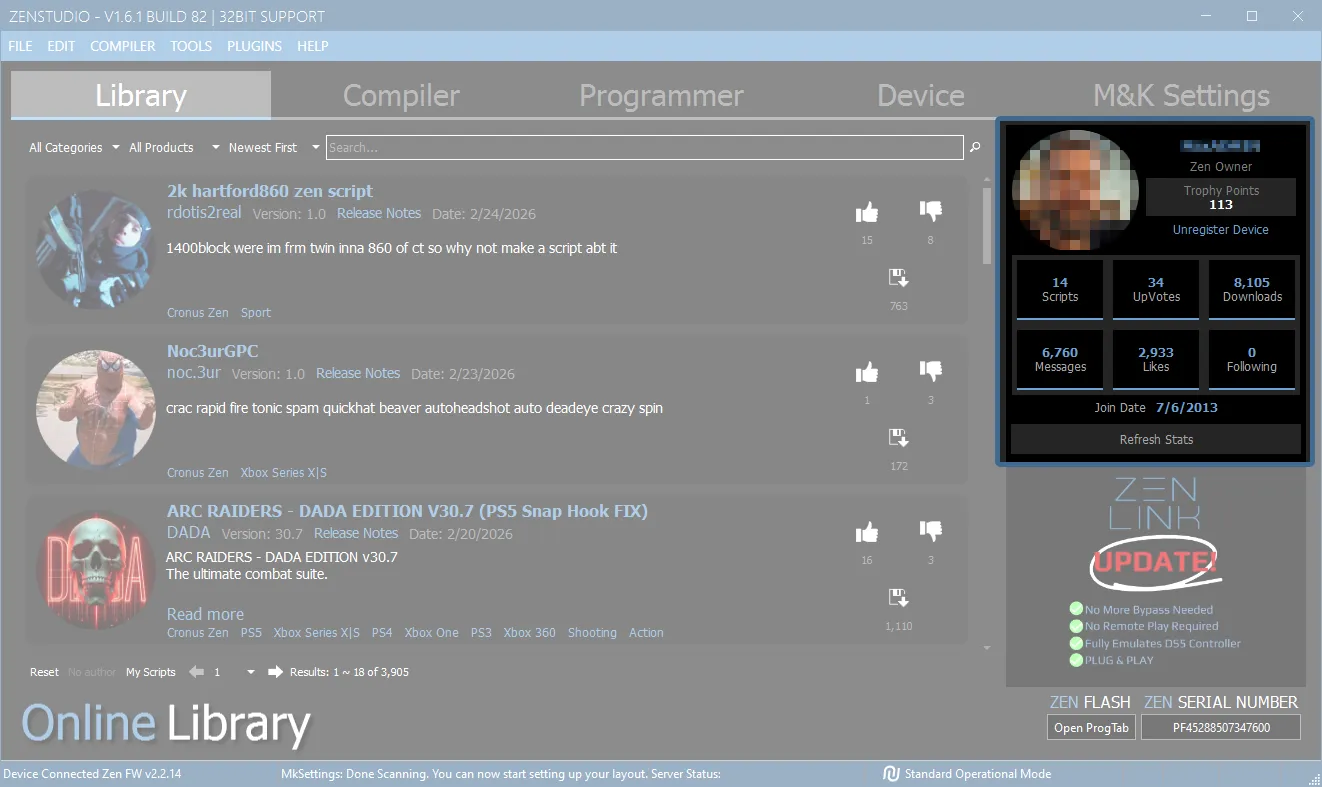
If your Cronus Zen™ was purchased used, then it could still be registered to someone else's community and social media accounts, which denies you access to the Cronus Community. Given the care and extra steps involved, there is a small fee for support to do this remotely, or you can ask the original owner if they will unregister it for you.
Visit cronus.support/unregister for more details.
Zen Studio (Main Guide)
If you wish to dive deeper into Zen Studio, here are the main instructions:
- Plugins